
Atlas now lets you
What used to take weeks now takes minutes. Set up a full high converting Shopify Store with AI to start making sales.
Nothing is charged today · about 5 mins
$500M+ in tracked revenue generated by stores and pages built with Atlas


 Join 162,000+ stores built with Atlas
Step 01 / 07
Use this same email for Shopify and Atlas in a minute. That's how your store links up to Atlas.
Step 02 / 07
Pick your store look. You can change it anytime.
Not sure which? Go with Atlas Default. It's the one most stores start on, and you can change it any time without losing anything.
Step 03 / 07
Atlas puts your store live on Shopify, so this just tells me which way to send you.
Most people here don't have one yet. That's the normal route.
Step 04 / 07
Shopify opens in a new tab. Do that bit over there, then come straight back here. Nothing's lost.
3 days free, then $1/month for 3 months. This is the cheapest Shopify gets.
Use the same email you just gave me.your email
This is what you'll see over there. Four taps.
Type that email in and tap the arrow.
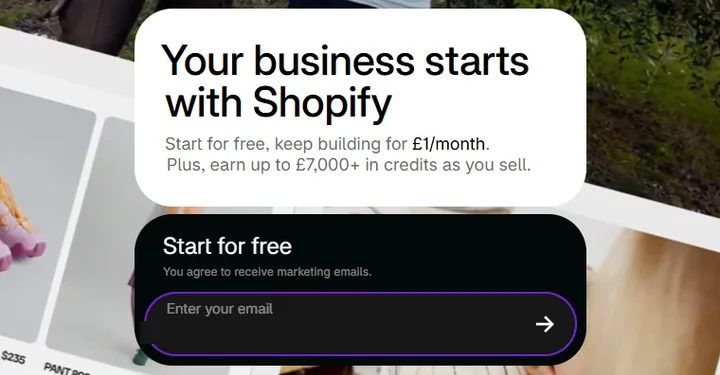 Tap the arrow
Add your card details and tap Subscribe for $1.
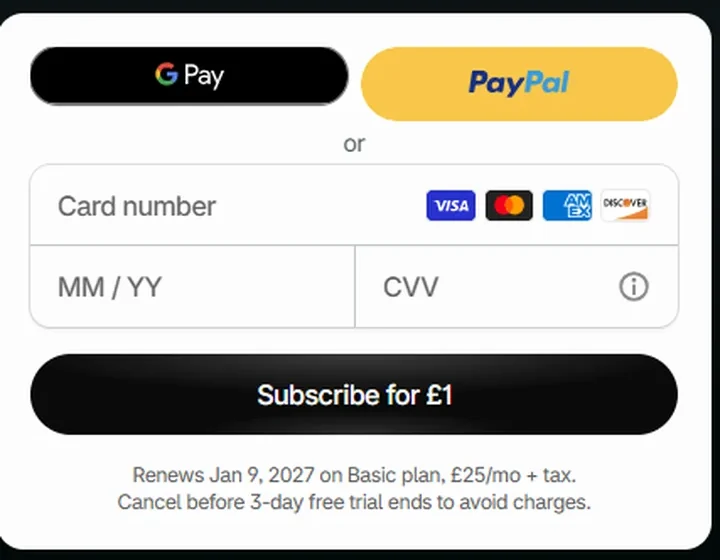
Nothing is charged today. After 3 days it's $1/month, and you can cancel any time.
Shopify asks what you want help with. Tap Skip.
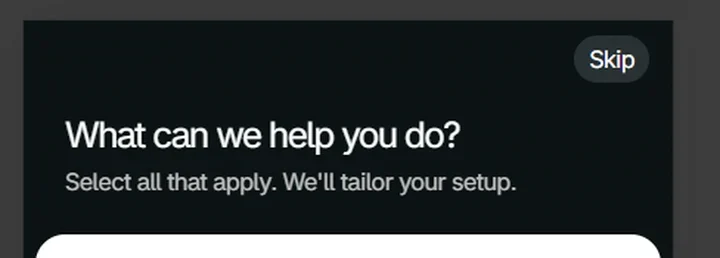 Tap Skip
Pick a plan. Not sure? Go with Basic.
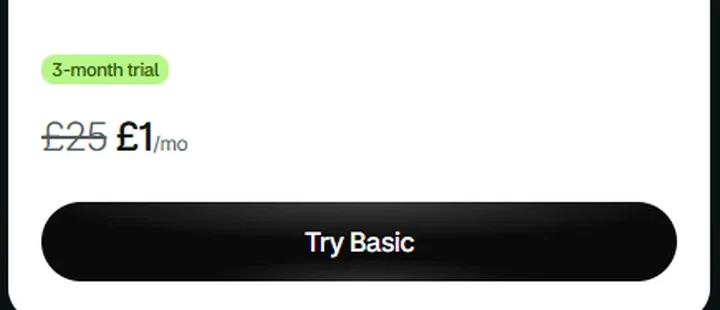 Your $1 deal, already applied
Shopify shows your local currency, so UK stores will see £1 instead of $1.
162,000+ stores have been through this exact step.
Step 05 / 07
Takes 10 seconds. No password.
Tap Open Atlas, then tap Continue with Google.
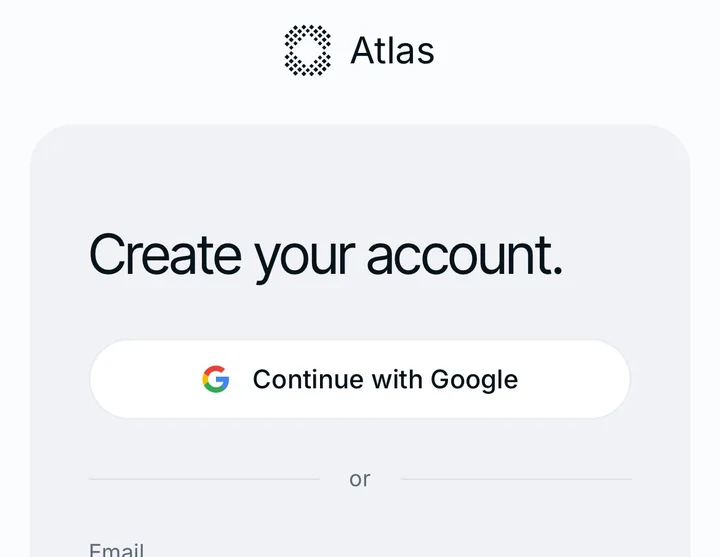 Tap this
No password needed. Or type your email and we'll send you a 6-digit code.
Pick your Google account.
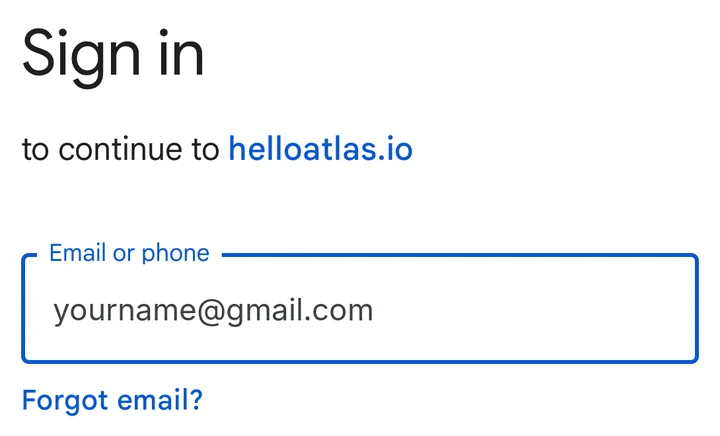 Type your Gmail
On this app? Google can block sign-in inside the app. If it does, type your email instead and use the 6-digit code.
Use the same email you gave me if you sign in with email.
Step 06 / 07
About a minute. Do this in the Atlas tab.
Tap Store, then paste the link of the product you wanna sell.
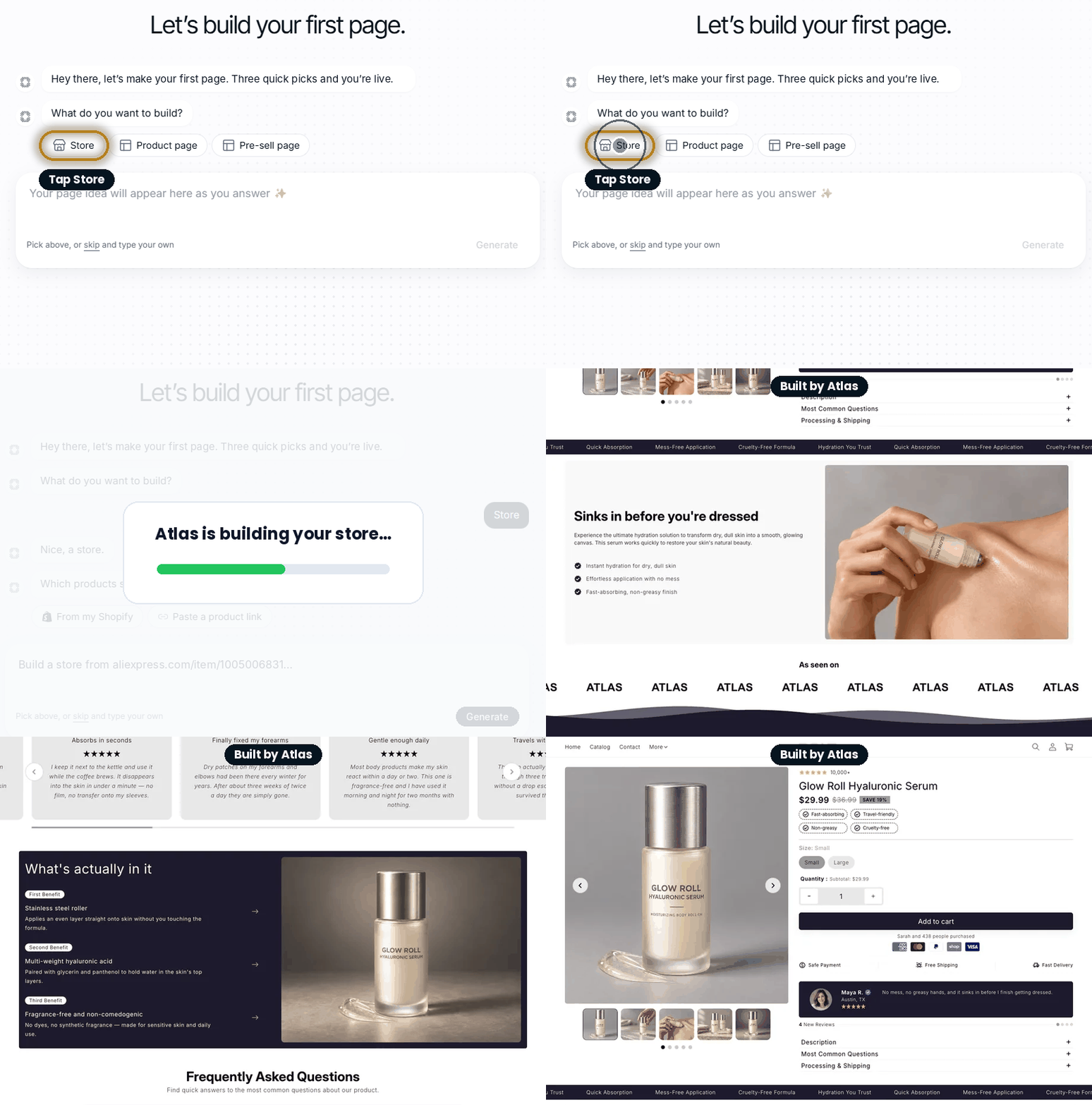
Any link works: AliExpress, Amazon, or another store. Then pick the style you chose.
Give it about a minute. Atlas builds the whole store for you.
No store needed yet. You connect Shopify when you put it live.
Step 06 / 07
Shopify won't let the Atlas trial start until your store's on a plan. Open your plan page and match it to a card below.
You'll see one of these two:
Not on a plan yet. Tap Choose plan, then go with Basic.
You're already good. Carry on.
Step 07 / 07 · last one
In Atlas, tap Publish at the top.
On Choose a plan to publish, tap Continue free.
Add your card. $0.00 today.
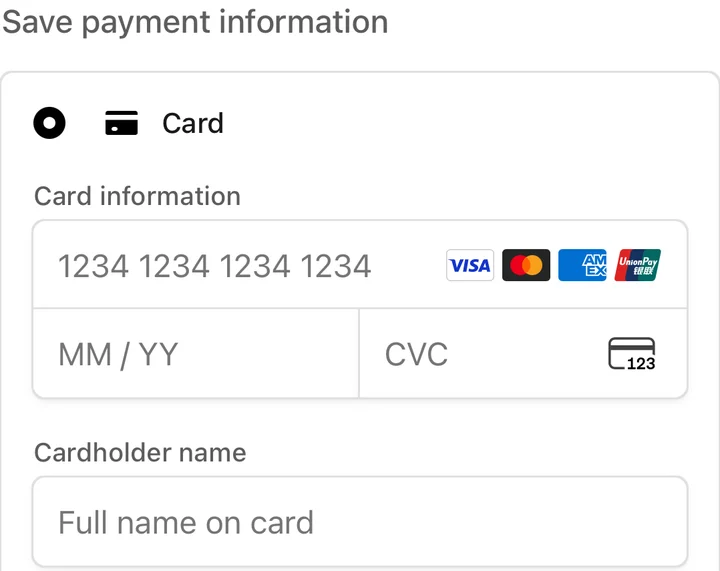 $0.00 today
Nothing is charged today.
Back in your store, tap Publish again, then Connect store.
Type your Shopify store address, then tap Continue to Shopify.
It's the Shopify store you made in step 4. Approve Atlas on Shopify and your store goes live.
$500M+ in revenue has run through pages built in Atlas. This is the step that puts yours live.
You're in
Want to change anything? Just tell Atlas in the chat box and it edits your store for you.
Desktop capture shown at phone size — real mobile screenshots pending.
Not sure? Atlas Default is the safe pick — you can change it any time.
This app blocks part of the setup. Two taps:
That’s it — you’ll land right back here.
Finish up over there, then come straight back here.
Let's make sure the plan step finished on Shopify.